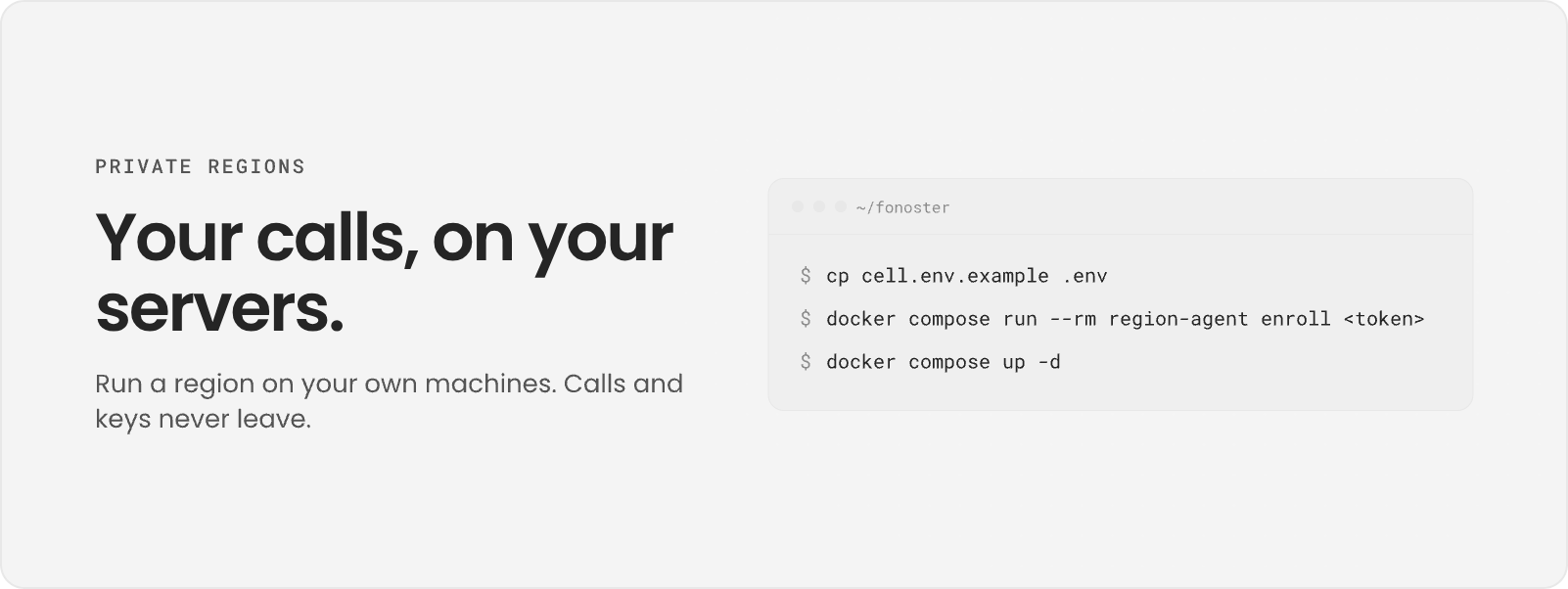
Your calls, on your servers: a terminal copies the env file, enrolls the region with a token and runs docker compose up -d. Your calls, on your servers: a terminal copies the env file, enrolls the region with a token and runs docker compose up -d. A private region is a Fonoster region that runs on your own infrastructure. Calls, call records, recordings and your provider keys stay on your machines. Your workspaces still use the same dashboard, SDK and CLI as on any other region. This section is for operators who run a private region. To build agents and voice apps, start at the Introduction. To install Fonoster on your own servers without joining a control plane, see Self-hosting.

How it works

A region has two parts:
  • The region runs everything that touches a call: the voice path, Autopilot, storage and the provider keys. It runs on your servers with Docker Compose, installed with the Ansible playbook that ships in the release.
  • The control plane is the Fonoster API and dashboard that your workspaces sign in to. It is Fonoster Cloud, or your own self-hosted install.
The region connects out to the control plane with one outbound TLS connection on port 7422. Nothing connects in to your region over it, and call content and provider keys never leave it.

Where to start

Install a region

Install a private region on your own server and enroll it with a token.

Host private regions

Running your own control plane? Add the region hub so workspaces can connect regions.

Self-hosting

Install a control plane on your own machine first.